A set of tools for manipulating an object’s bounding box and origin/pivot point in Blender. Calculate 2D and 3D projections, reposition the object origin, and generate a visual bounding box mesh.
This addon provides a dedicated panel in the Object Properties to manage Bounding Box and Origin-related operations for single mesh objects or groups (parented to an Empty).
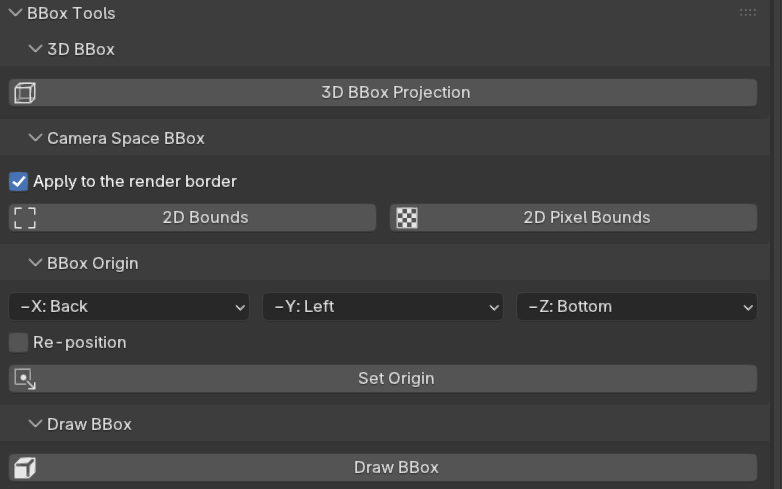
3D BBox
3D BBox Projection: Calculates and prints the projection of the object’s 3D bounding box corners and its origin onto the active camera plane.
Camera Space BBox
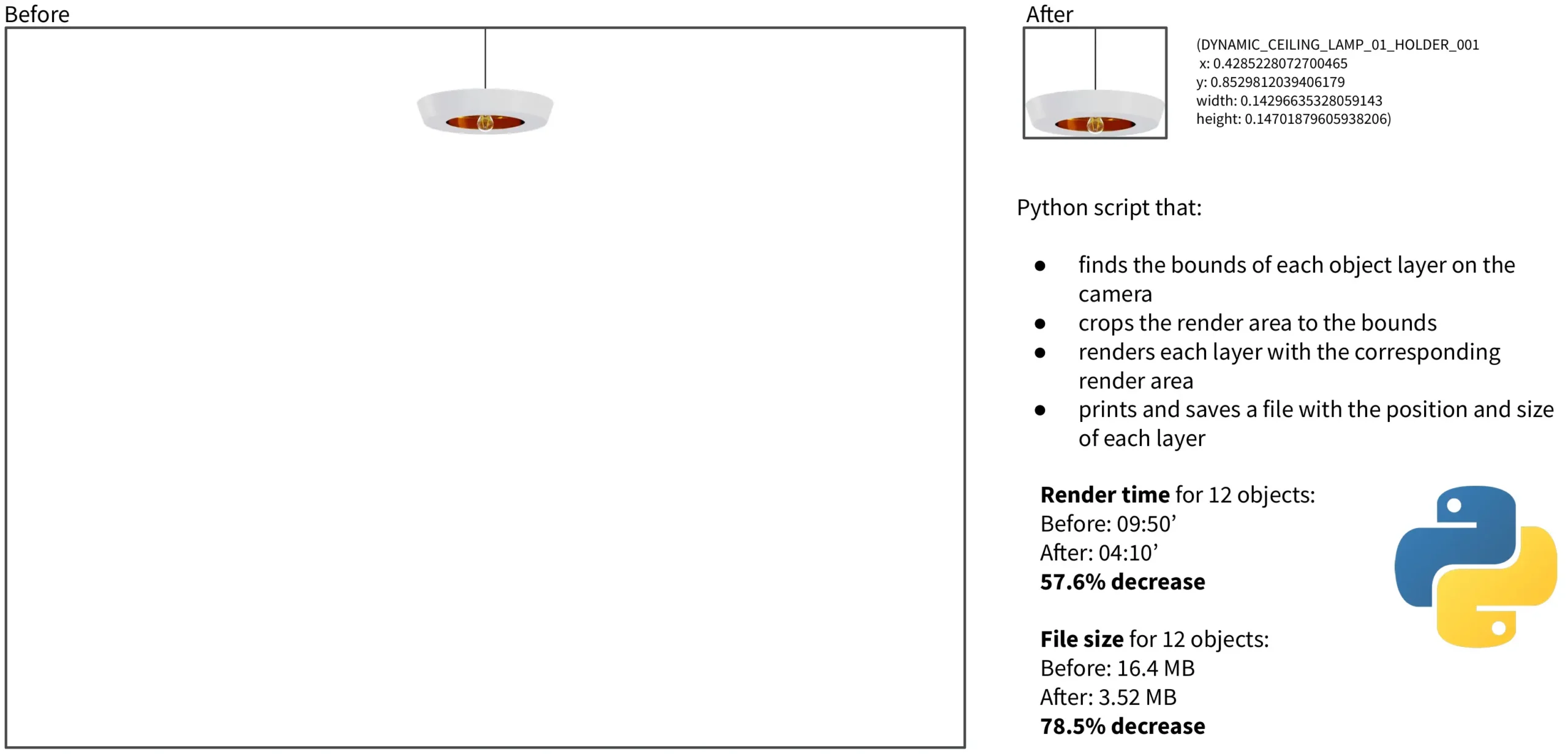
2D Bounds (View): Calculates the 2D bounding box (normalized coordinates 0-1) of the object as seen from the active camera. This method uses the object’s mesh vertices projected onto the camera view.
2D Pixel Bounds: Calculates the 2D bounding box using a pixel-based method (via a temporary low-resolution render). This is often more accurate for complex or partially visible objects.
Apply to the render border (Toggle): If enabled, running either of the 2D bounds calculations will automatically set the Blender render border to crop to the calculated bounds.
BBox Origin
Set Origin: Repositions the object’s origin (pivot point) to a specific point on its bounding box (corner, edge center, or face center).
Position Controls: Use the X, Y, and Z axis dropdowns to select the desired position (e.g., Front X, Right Y, Bottom Z for a corner).
Re-position (Toggle): If enabled, the object will be moved so that its world location remains the same, effectively changing the pivot point without changing the object’s position in world space.
Draw BBox
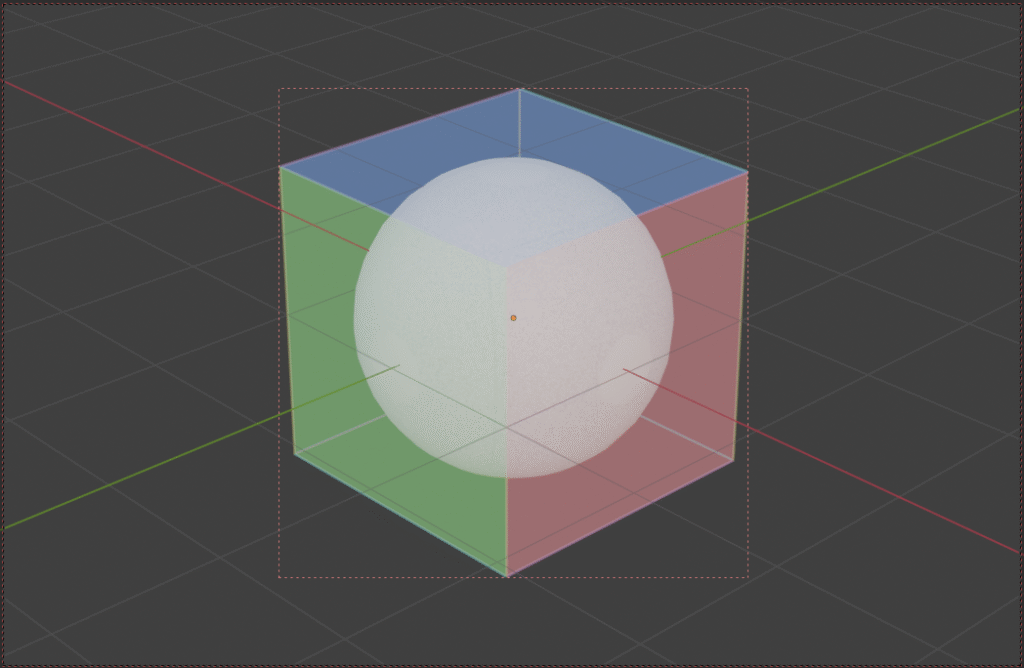
Draw BBox: Creates a mesh object representing the bounding box of the selected object or group. This mesh is parented to the object and is useful for visualization.